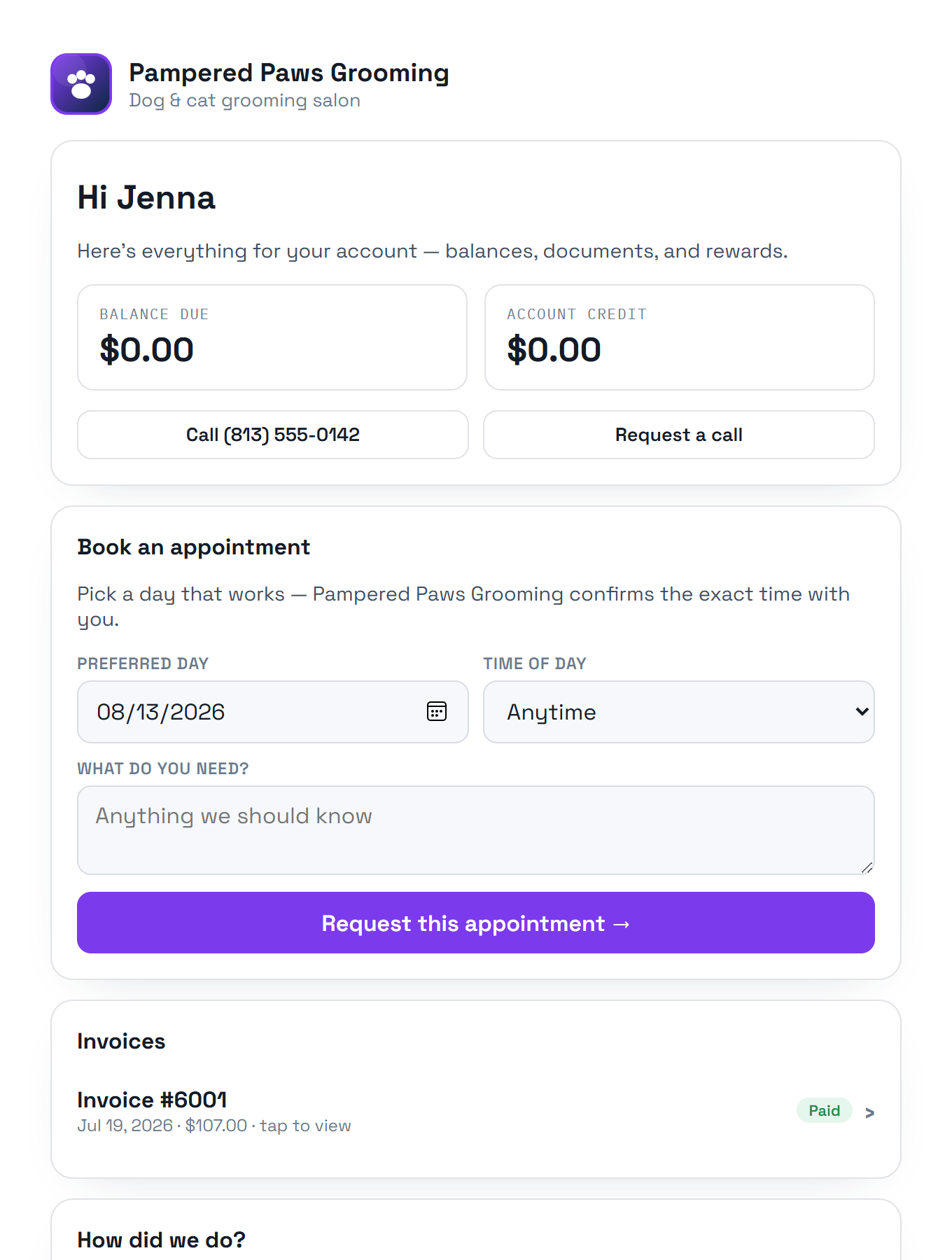
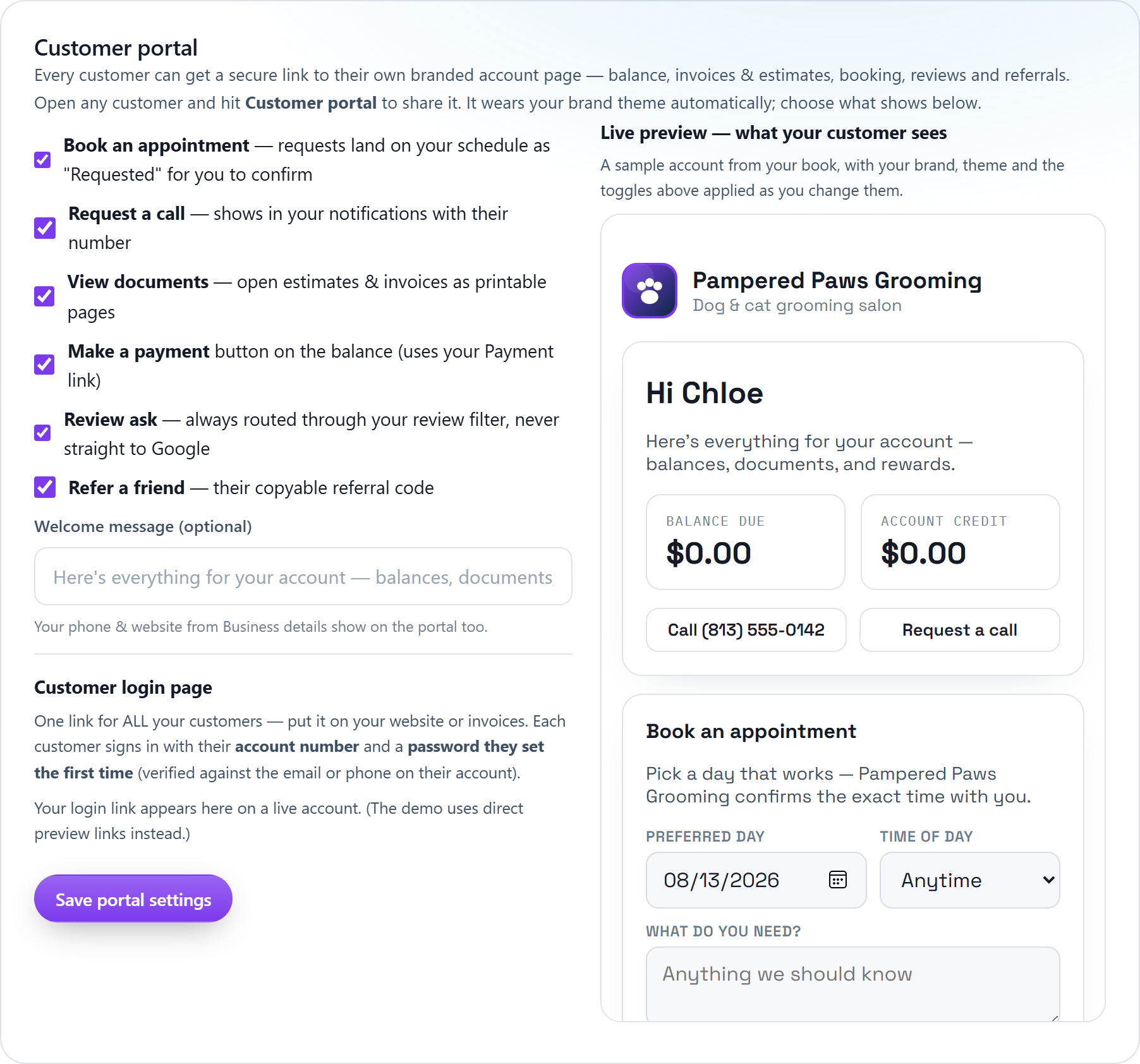
Every customer gets a secure link to a page that wears your brand, your logo, your colors, your theme. They see their balance, pay it, open invoices and estimates as clean printable documents, request appointments that land on your schedule, and share their referral code.
Logo, colors and light-or-dark theme match your business automatically, customers see your company, not ours.
Their request arrives as an appointment tied to their account, waiting for you to confirm, no retyping, no phone tag.
Invoices and estimates open as letterhead documents in your invoice layout, ready to print or save, signed stamps, terms and all.
A Make-a-payment button sits right on the balance due, wired to your payment link.
The review ask routes through your rating filter first, happy customers continue to Google, unhappy ones come to you privately.
Share one login link anywhere: customers sign in with their account number and a password they set themselves, verified against the contact info on file.
Open any customer and hit Customer portal, copy the link, email it or text it in one tap.
Or publish your login page link once, and every customer signs in with their account number.
Choose what shows in Settings → Customer portal, with a live preview of exactly what customers see.
Keep exploring:
The live demo seeds a business like yours, same features, real numbers, nothing to install.