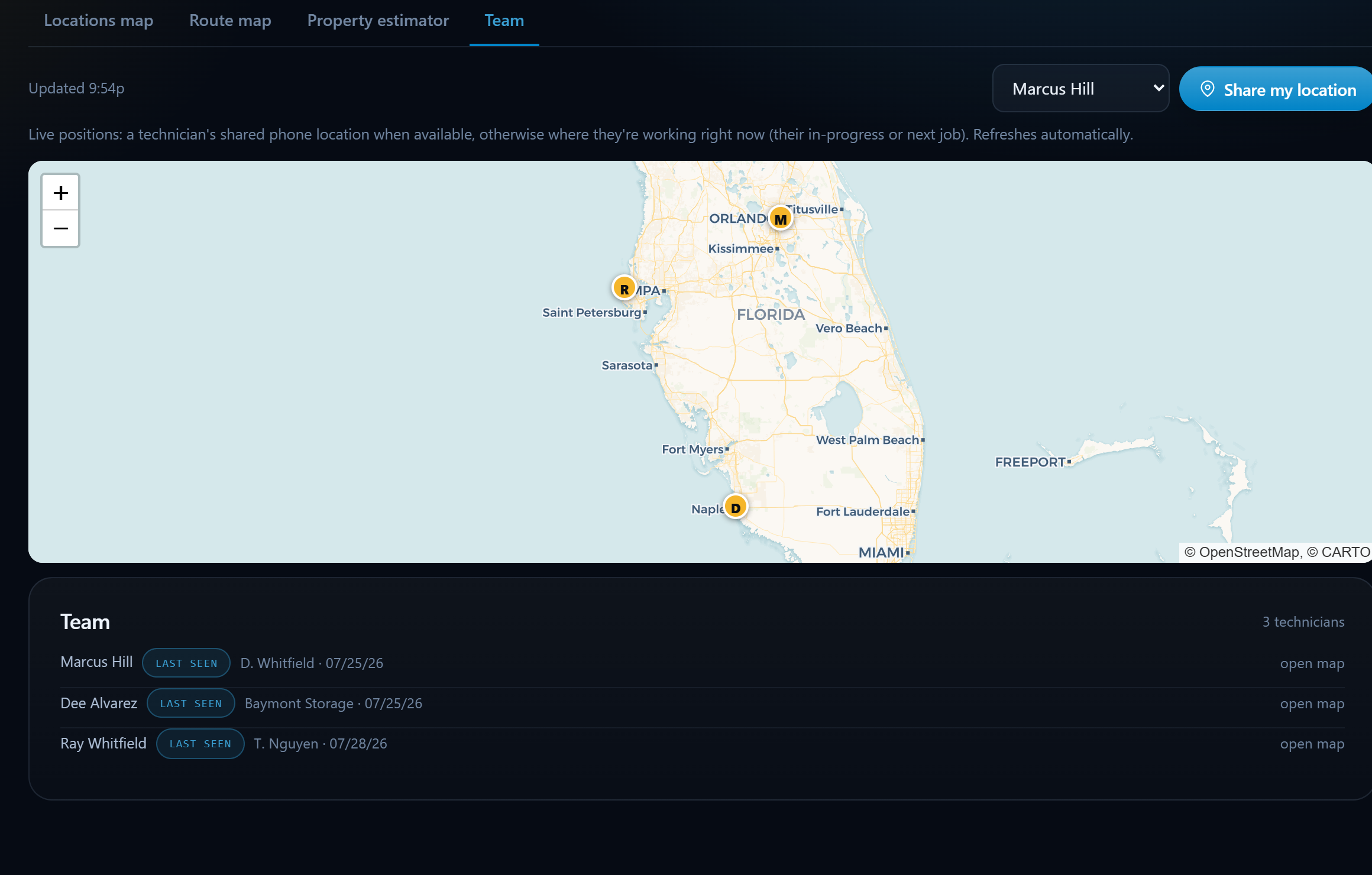
The live team map shows every technician at once, their shared phone location when available, or the job they're working right now as a smart fallback. Dispatch smarter, answer "where's my tech?" calls instantly, and see the day moving in real time.
Techs share their phone location with one tap, the map updates automatically as they move through the day.
No GPS signal shared? The map places each tech at their in-progress or next job, so the picture is never blank.
Every technician on one map with a roster below, who they're with, where, and when they were last seen.
See who's actually closest before you promise an arrival window, pair it with the route builder for tight days.
"Where's my technician?" gets a real answer in two seconds, not a radio call.
Location sharing is tech-initiated and visible, no hidden tracking, no always-on surveillance.
Techs tap Share my location from their portal login, that's the whole setup.
Open Mapping → Team to see everyone live, with last-seen details per tech.
Use it beside the schedule and route map when you're juggling same-day calls.
Keep exploring:
The live demo seeds a business like yours, same features, real numbers, nothing to install.